Aesthetics
Point Shapes
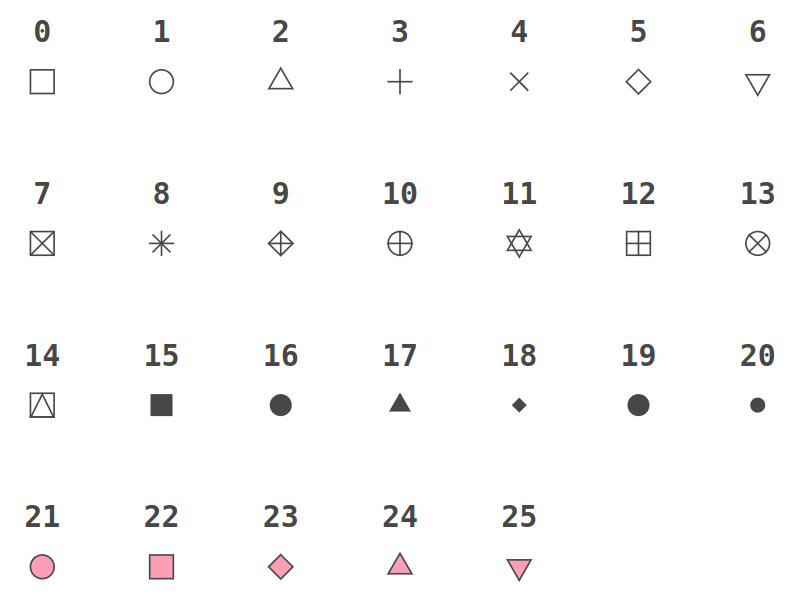
See example notebook.
Line Types
Predefined Patterns
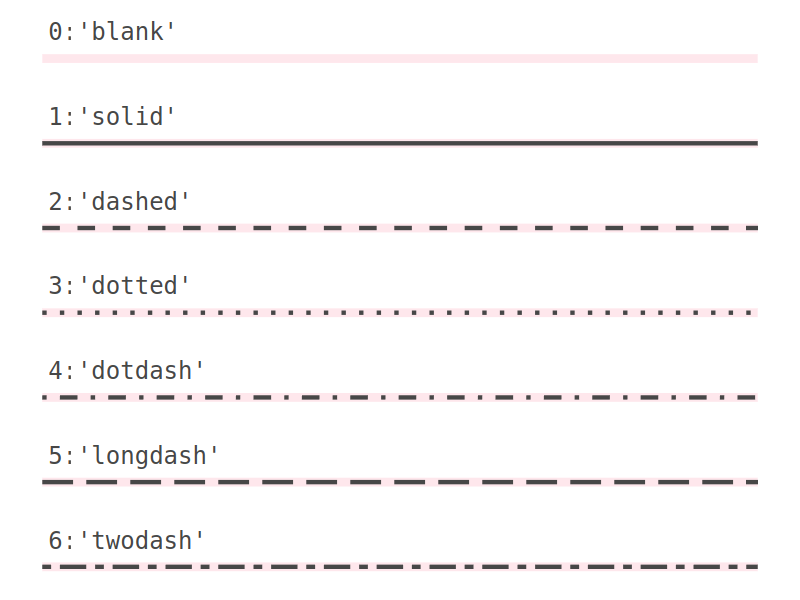
See example notebook.
Custom Patterns
Ways to specify the linetype:
list, defining the pattern of dashes and gaps used to draw the line:
listOf(dash, gap, ...);pair of offset and pattern:
offset to listOf(dash, gap, ...);string of an even number (up to eight) of hexadecimal digits which give the lengths in consecutive positions in the string.
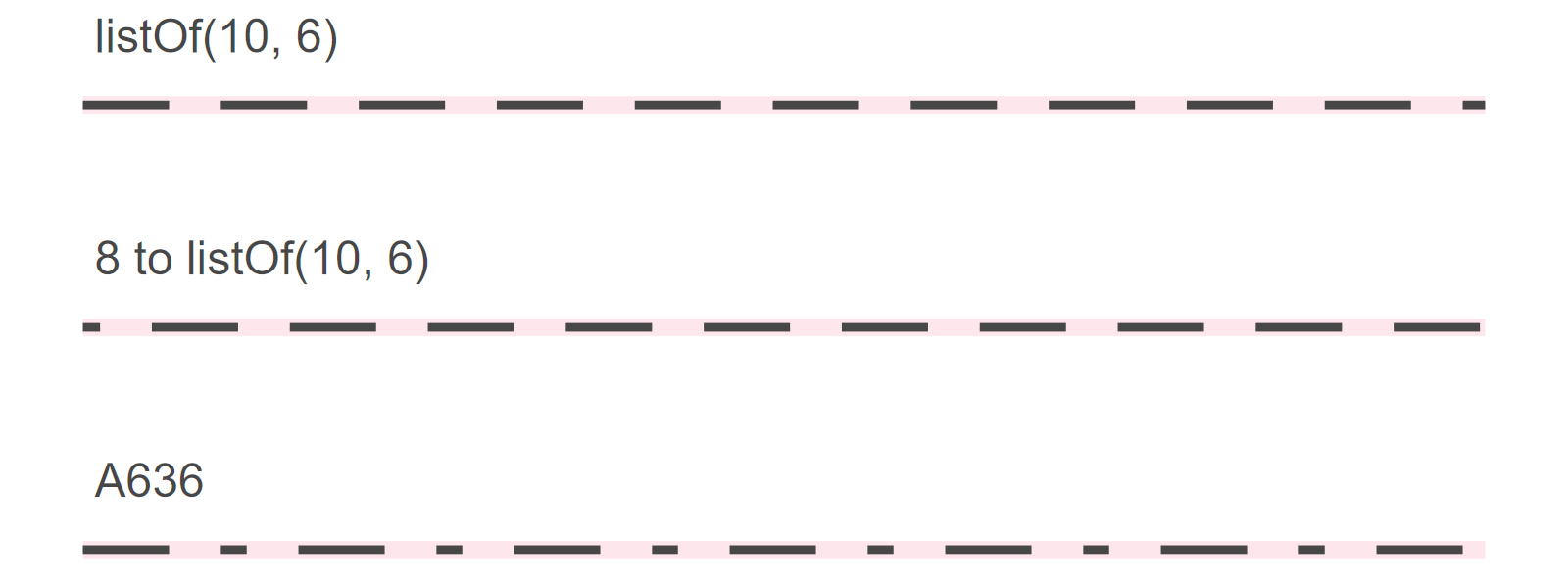
See example notebook.
Text
Font Family
Universal font names:
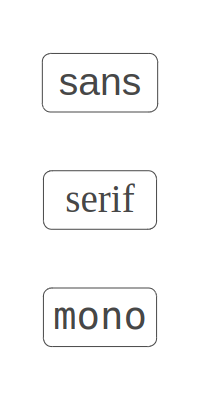
The default font family is 'sans'.
You can also use the name of any other font installed on your system (e.g. "Times New Roman").
See example notebook.
Font Face
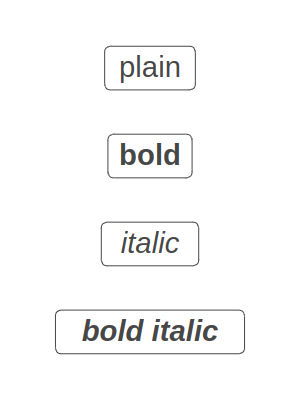
The default font face is 'plain'.
See example notebook.
Color and Fill
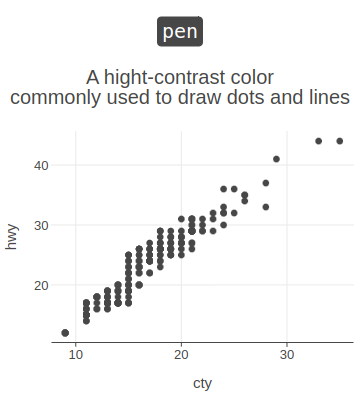
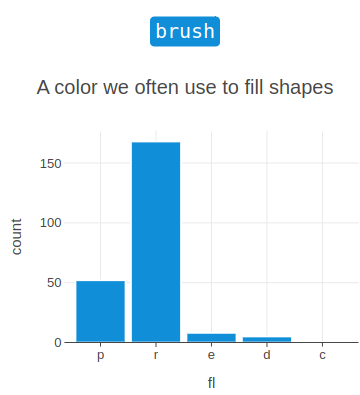
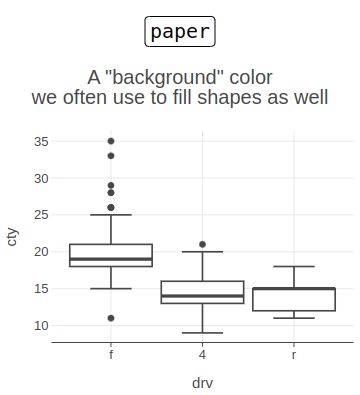
Colors can be specified using named colors, theme-dependent system colors ("pen", "paper", "brush"), RGB/RGBA strings, HEX values, or color(...). Named colors are case-insensitive; hyphens and underscores are ignored, and grey is treated the same as gray ("dark_orange", "light-blue", and "DARK-GREY" are valid). In addition to the named colors listed in the Named colors reference, grayscale names from "gray0" to "gray100" are supported. Transparency can be included directly in the color value by using an alpha-enabled format or by appending opacity to a named color, for example "steelblue / 0.35".
Type | Format | Example |
|---|---|---|
Named color | name | "steelblue" |
Named color with opacity | name / a | "steelblue / 0.35" |
System color | pen, brush, paper | "pen" |
RGB | rgb(r, g, b) | "rgb(70, 130, 180)" |
RGBA | rgba(r, g, b, a) | "rgba(70, 130, 180, 0.35)" |
Color function | color(r, g, b) | "color(70, 130, 180)" |
Color function with opacity | color(r, g, b, a) | "color(70, 130, 180, 0.35)" |
HEX RGB | #RRGGBB, #RGB | "#4682B4", "#48B" |
HEX RGBA | #RRGGBBAA, #RGBA | "#4682B459", "#48B6" |
An instance of the java.awt.Color class | Color.NAME, Color(r, g, b), … | Color.MAGENTA |
Transparent | transparent, blank, empty string | "transparent" |
For opacity values, 0 means fully transparent and 1 means fully opaque; percentage values such as "steelblue/35%" are not supported. See also an example.
System colors "pen", "paper", and "brush" can be used when you want a color to adapt to the active theme or flavor.
See example notebook.